> ## Documentation Index
> Fetch the complete documentation index at: https://docs.claimr.io/llms.txt
> Use this file to discover all available pages before exploring further.
# Leaderboard
> Set up a public leaderboard to showcase top-performing participants and boost engagement with a competitive element.
This section lets you set up a public leaderboard to showcase top-performing participants in your campaign. It helps boost engagement by adding a competitive element.
To access these settings:
1. Log in to your Claimr account.
2. Select the **Campaign** you want to apply settings to.
3. Navigate to the campaign's **Settings** section.
4. Select **Leaderboard** from the settings menu.
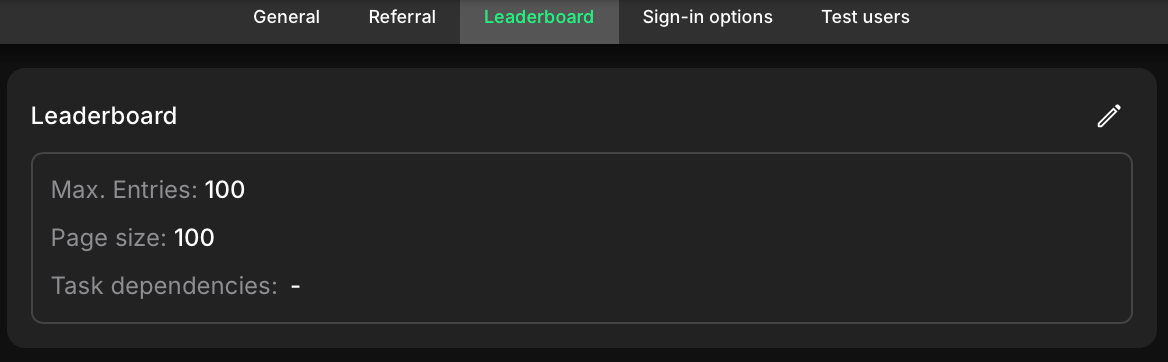 To customize its settings, click the edit (pencil) icon in the corner. This will open a settings window.
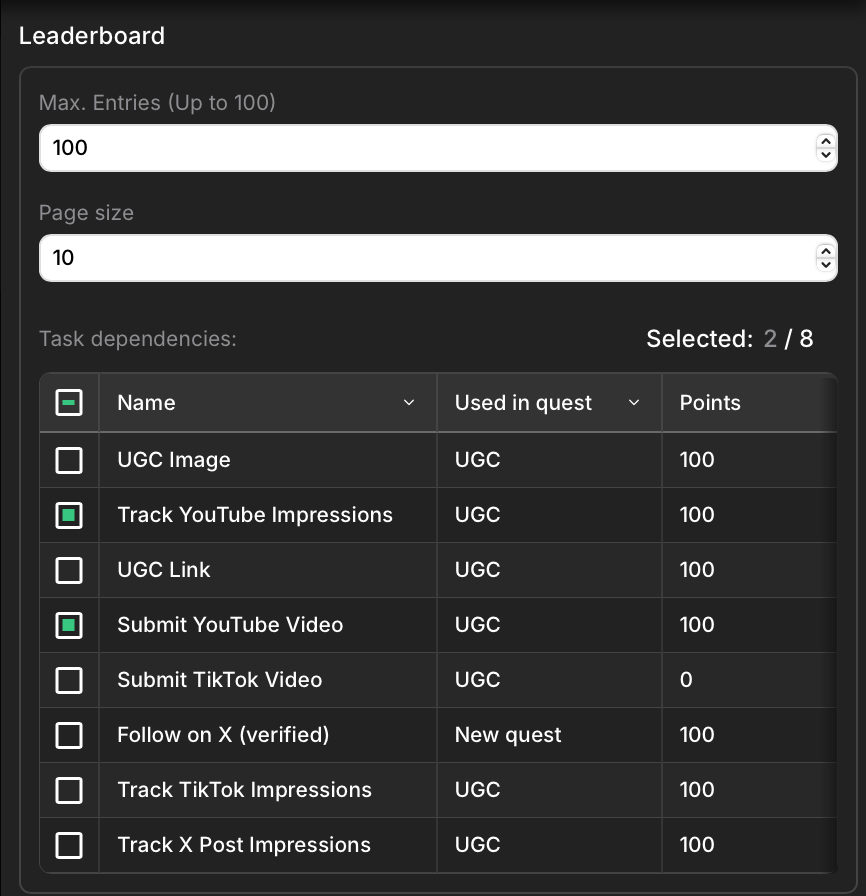 ### Max. entries
Define the maximum number of users to be displayed on the leaderboard. For example, setting this to 100 will show the top 100 participants.
### Page size
Set how many users are shown per page. This controls pagination and helps manage large leaderboards by breaking them into smaller chunks.
### Task dependencies
Select which tasks contribute to the leaderboard score. Only points earned from the selected tasks will be counted. This allows you to filter out low-effort or irrelevant tasks and focus the leaderboard on meaningful contributions.
### Max. entries
Define the maximum number of users to be displayed on the leaderboard. For example, setting this to 100 will show the top 100 participants.
### Page size
Set how many users are shown per page. This controls pagination and helps manage large leaderboards by breaking them into smaller chunks.
### Task dependencies
Select which tasks contribute to the leaderboard score. Only points earned from the selected tasks will be counted. This allows you to filter out low-effort or irrelevant tasks and focus the leaderboard on meaningful contributions.