
Add page

Add page
1
Click the + Page button
This opens a modal window where you can select the type of block you want to add to the new page.
2
Select a block type
Choose the block type that best suits the information you want to collect (e.g., Short Answer, Long Answer, Email, Choice, Quiz) and configure settings. For more information, visit Blocks.
Page settings
Each page has its own settings that you can customize to match your branding and enhance the user experience. To access the page settings, click the settings button (gear icon) next to the page name in the form editor.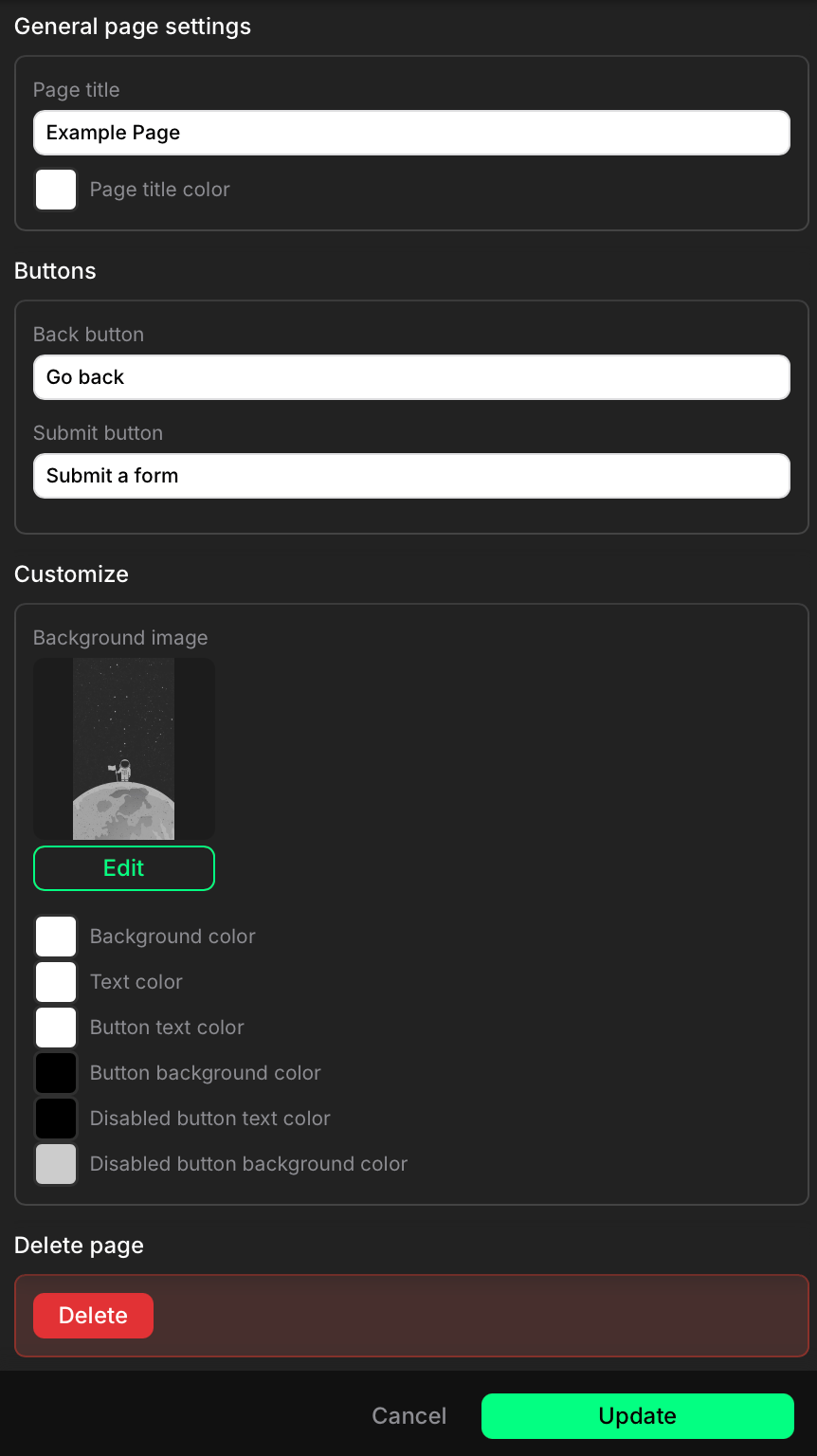
Page settings